HOW EASYVECTOR WORKS
From a client's dodgy PNG to a production-ready vector — here's everything you need to know.
Client sends a PNG
They found it online, generated it with AI, or screenshotted it from a website. It looks great at small size — but zoom in and it's just a grid of blurry pixels.
You can't use it
Your vinyl cutter, CNC router, laser cutter, or large format printer needs vector paths — not pixels. There are no nodes, no curves, nothing to work with.
EasyVector fixes it
Upload the PNG. Download a clean SVG, EPS, DXF or PDF in seconds. No redrawing in Illustrator. No wasted hours. Just production-ready vectors.
BITMAP / RASTER
PNG, JPG, GIF, WebP, BMP
- Fixed resolution — goes blurry when scaled up
- No paths or nodes — can't be edited as shapes
- Unusable in cutting plotters and CNC software
- Large file sizes at high resolution
- AI-generated images always start as bitmaps
VECTOR
SVG, EPS, DXF, PDF, AI
- Infinitely scalable — crisp at any size
- Mathematical paths — fully editable in any software
- Works directly in Flexi, CorelDRAW, Illustrator
- DXF format for CNC routers, plasma cutters, lasers
- Small file sizes, print and cut ready
Register in seconds
Create your account in seconds — no credit card needed to sign up. Add a single trace or a monthly plan whenever you are ready to trace.
Upload your bitmap image
Drag and drop any PNG, JPG, GIF, WebP or BMP. Files are automatically resized if they exceed the processing limit — no manual prep needed.
Choose your settings
Pick your trade, your output format (SVG, DXF, EPS, PDF), and colour mode (Auto, Full Colour, or Black & White). Each trade preset sets sensible defaults for you.
AI does the work
Our engine analyses the pixel data, identifies edges and shapes, fits smooth Bezier curves, and builds clean vector paths — all in under 8 seconds on average.
Download & use immediately
Your vector downloads instantly. Open it straight in CorelDRAW, Illustrator, Flexi, or your CNC software. No cleanup required.
- Websites & apps
- Adobe Illustrator
- Inkscape
- Canva Pro
- Vinyl cutters & plotters
- Screen printing
- Large format print
- CorelDRAW & Flexi
- CNC routers
- Plasma cutters
- Laser cutters
- Waterjet machines
- Print-ready files
- Client proofs
- Archiving
- Any PDF viewer
- Full Illustrator editing
- Layer control
- Creative workflows
- Agency use
- Social media
- Presentations
- Web use
- Up to 8000px
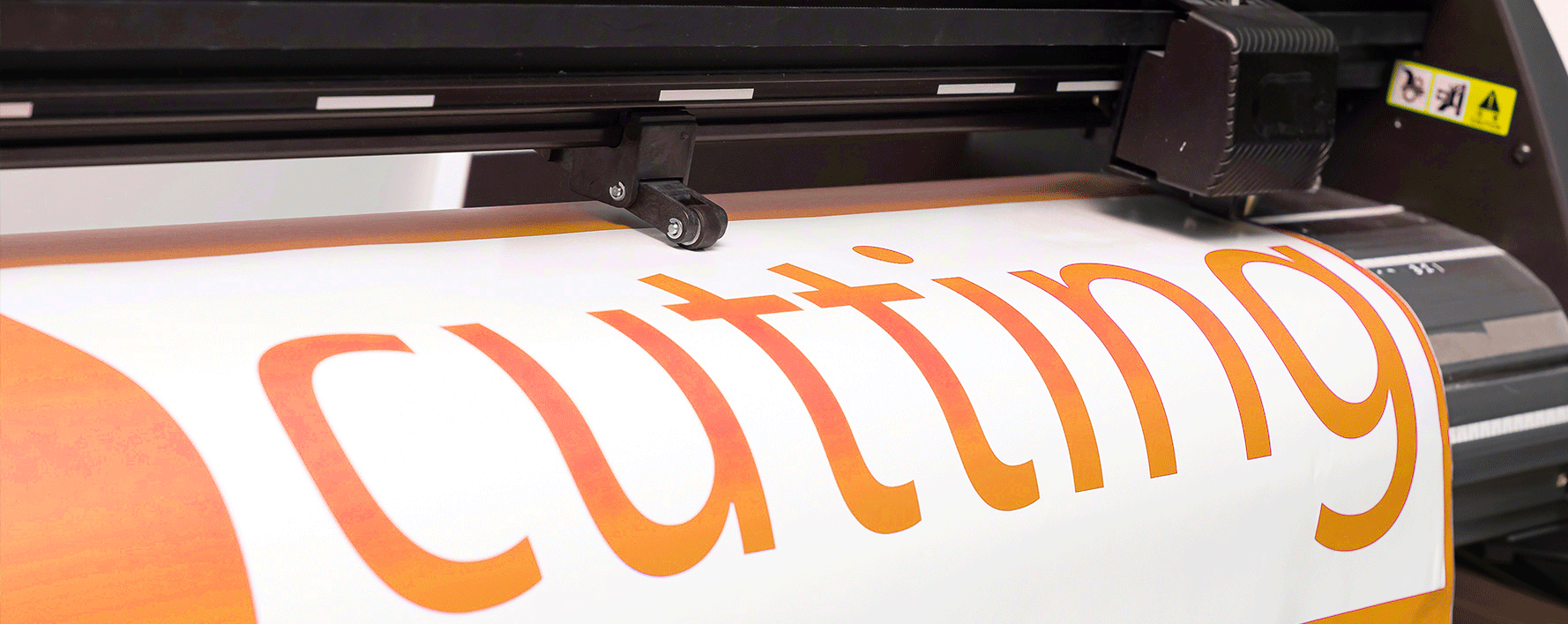
Sign Makers
Convert client-supplied PNGs and AI logos to clean vectors for vinyl cutting, routing, and large format printing — without redrawing anything.
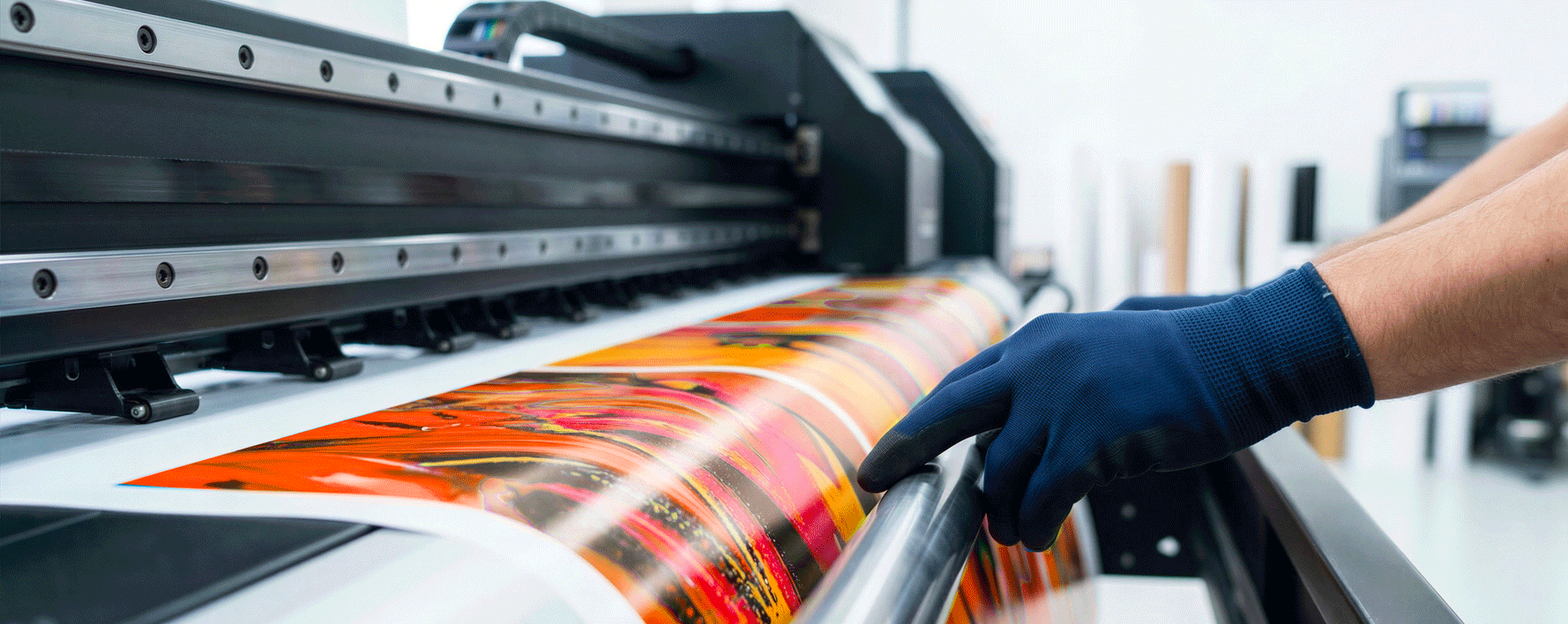
Large Format
Stop turning away jobs because artwork is low-res or bitmap-only. EasyVector gets files print-ready in seconds.
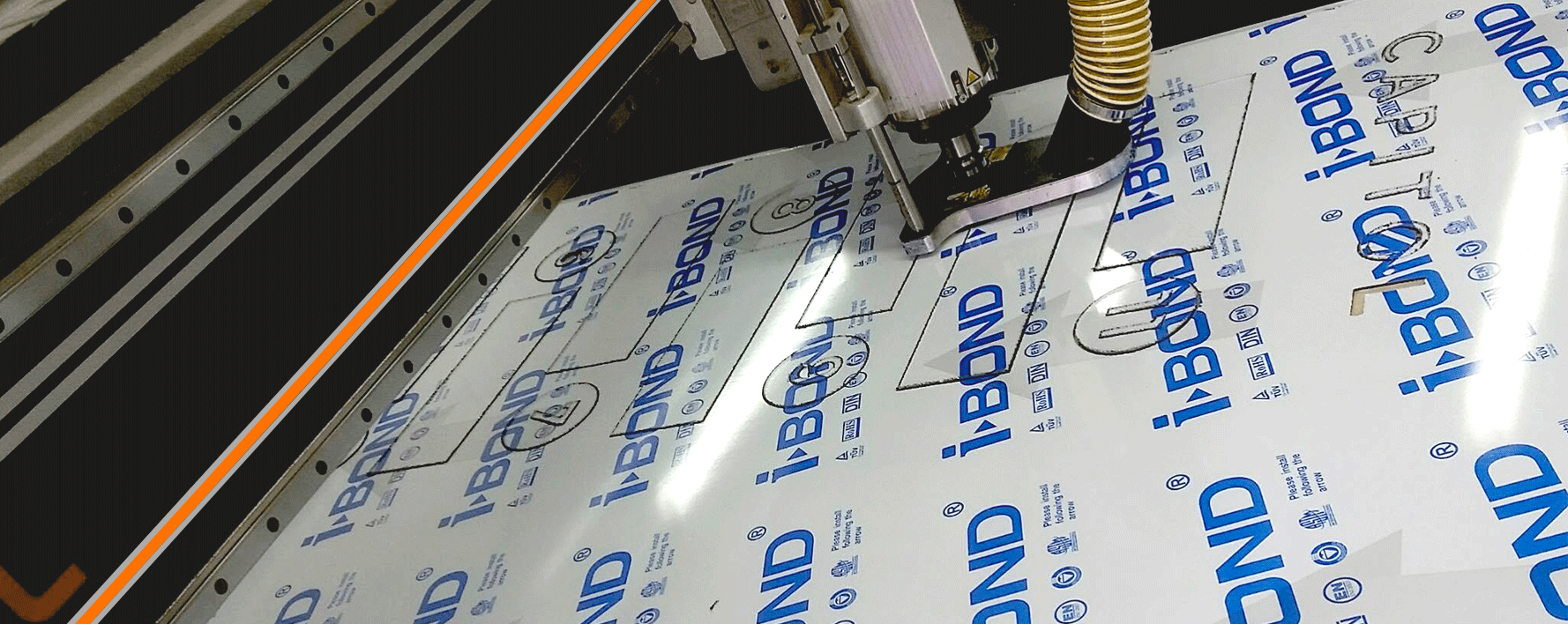
CNC & Fabrication
Get clean DXF files ready for your router, plasma cutter, or laser. Closed paths, correct winding order, no stray nodes.
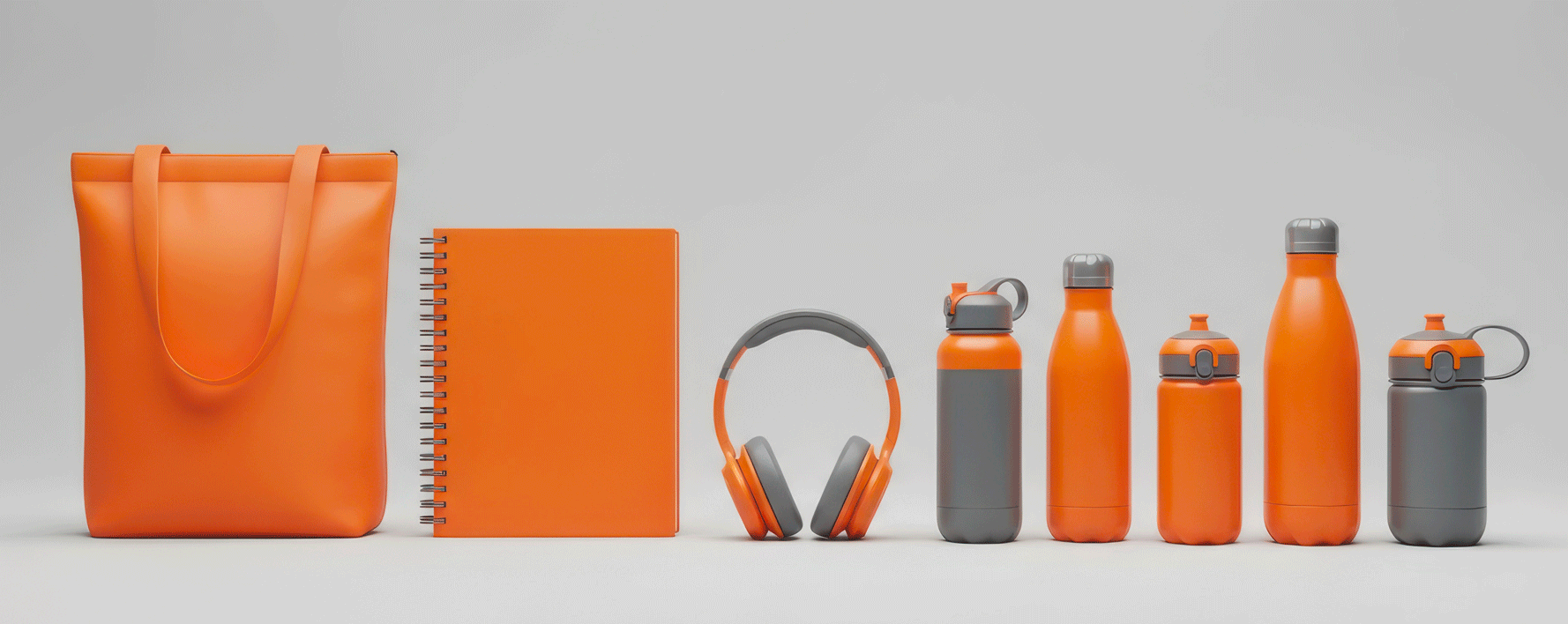
Promo & Gifts
Prepare artwork for embroidery digitising, engraving, and promotional product decoration from any source image.
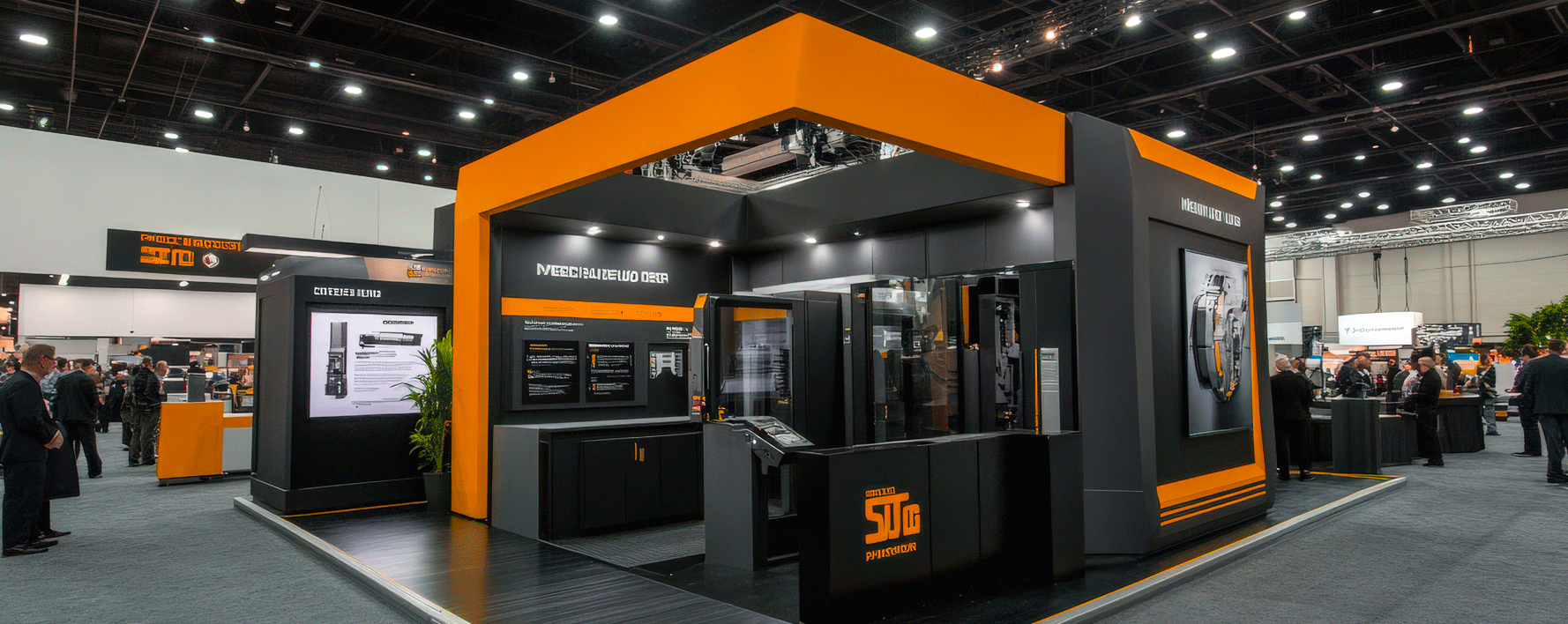
Exhibition Builders
Convert client brand assets to scalable vectors for large-format graphics, fabricated signage, and display systems.
Studios & Agencies
Use our API to integrate vectorization directly into your artwork upload portal. Automate the whole workflow.
How good is the output quality?
Very good for logos, illustrations, icons, and simple artwork. Complex photographic images will produce a stylised vector interpretation rather than a photorealistic result — which is normal for any vectorization tool.
Do I have to subscribe?
No. Buy a single trace for £2 with no commitment, or subscribe to Hobby or Studio for a pool of monthly credits at a lower price per trace. Start with a single trace and upgrade whenever it makes sense.
How many credits do I need?
Each vectorization uses 1 credit. A busy sign shop processing several client files a day suits Studio (150 credits/month). Occasional users do well on Hobby (50/month). Just need one file? Buy a single trace for £2 — no subscription.
Can I use it for AI-generated artwork?
Yes — this is one of the core use cases. AI image tools like Midjourney, DALL-E and Adobe Firefly output PNG or JPG files. EasyVector converts these to usable vectors instantly.
Is there an API for automation?
Yes. The Studio plan includes API access so you can integrate vectorization directly into your own systems and customer portals.
What if the result isn't what I expected?
Output quality is strongest on logos, icons and clean artwork. If a trace doesn't come out as expected, contact us at hello@easyvector.ai and we'll help.
READY TO STOP REDRAWING?
Join sign makers, print shops and fabricators who've made client artwork headaches a thing of the past.
Get Started